WhisperScript vs Descript: Which One Do You Actually Need?
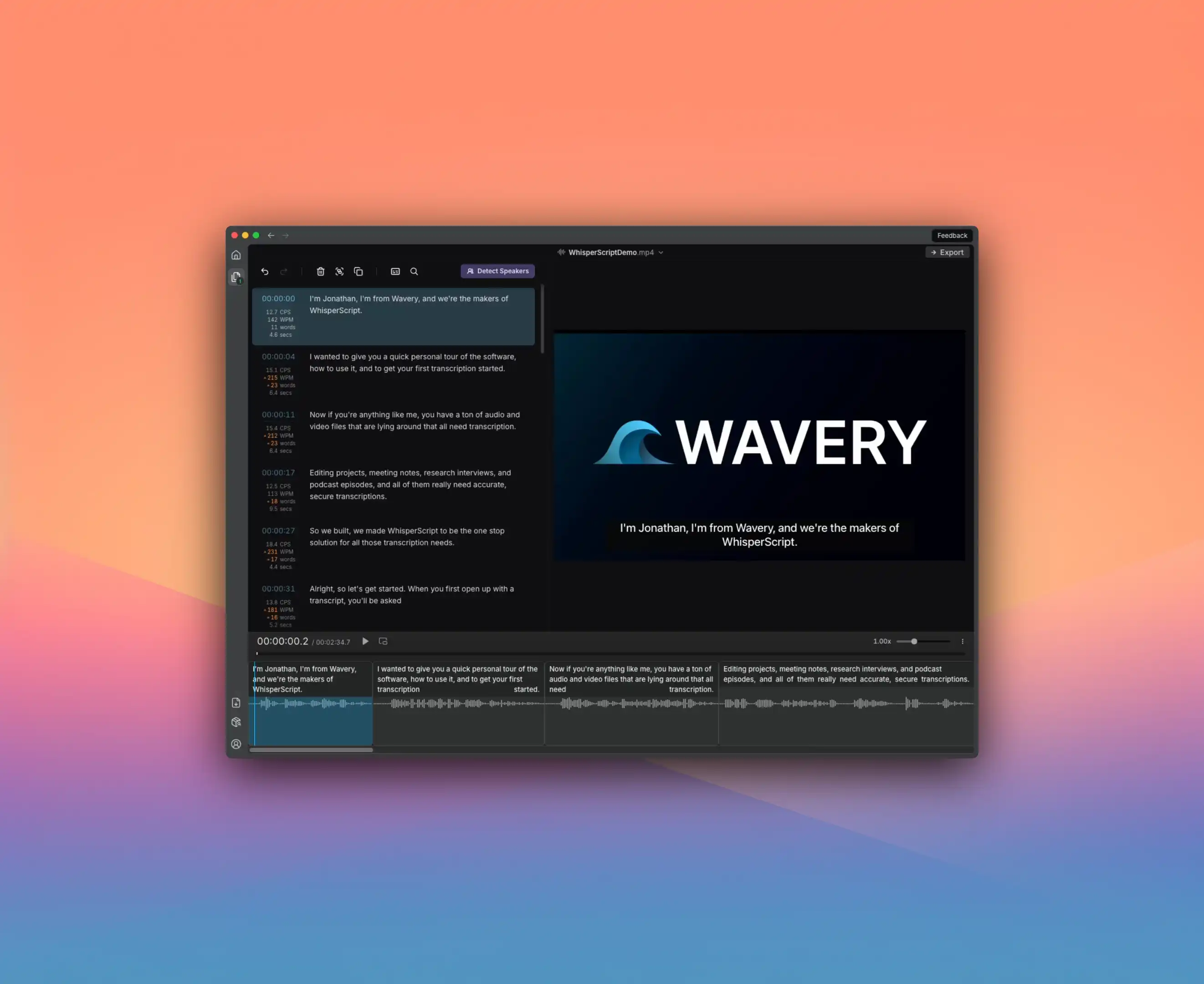
I see this question constantly: “Should I use WhisperScript or Descript?”
Here’s the thing—they’re not really competing. They just look like they are.
Descript is a video editor with transcription built in. You edit video by editing text. Transcription is the entry point, not the destination.
WhisperScript is a transcription tool. Period. It does one thing and does it well.
The question isn’t which is “better.” It’s which fits what you’re actually trying to do.
The Quick Decision Framework
Choose Descript if:
- You’re editing video content (YouTube, TikTok, podcasts)
- You want text-based video editing (delete a sentence, video section disappears)
- You need AI features like voice synthesis or animated captions
- You want everything in one platform
- You transcribe less than 30 hours per month
Choose WhisperScript if:
- You primarily need accurate transcriptions
- Privacy is non-negotiable (legal, medical, journalistic work)
- You work with multiple languages regularly
- You transcribe more than 30 hours per month
- You handle sensitive or confidential audio
The Feature Differences That Actually Matter
| What You Need | Descript | WhisperScript |
|---|---|---|
| Edit video by editing text | Yes | No |
| 100% offline processing | No | Yes |
| Languages supported | 25 | 100+ |
| Unlimited transcription | No (media minutes) | Yes |
| AI voice synthesis | Yes | No |
| Animated captions | Yes | No |
| SRT subtitle export | Yes | Yes |
| Lifetime purchase option | No | Yes (€249) |
The Pricing Reality
Descript uses “media minutes”—you’re charged based on total media processed, not just transcription time. This gets confusing fast, especially if you re-upload projects or work with multiple files.
- Descript Creator: $24/month for 30 hours media/month
- Descript top-ups: $2/hour beyond your plan
WhisperScript is simpler:
- Monthly: €18/month, unlimited transcription
- Annual: €108/year (€9/month), unlimited
- Lifetime: €249 one-time, unlimited forever
If you transcribe 50 hours per month on Descript Creator, you’re paying $24 + $40 in top-ups = $64/month.
On WhisperScript, you’re paying €18/month regardless of volume.
For heavy transcription users, the math isn’t close.
Where Descript Genuinely Wins
I want to be fair here—Descript is excellent at what it does.
Text-based video editing is genuinely innovative. Delete a sentence in the transcript, the corresponding video disappears. For content creators, this speeds up editing dramatically.
AI features like Overdub (voice synthesis), filler word removal, and Eye Contact correction are powerful for YouTubers and podcasters.
Animated captions are huge for social media content.
Stock media integration means less hunting for assets.
If you’re making YouTube videos or social content, Descript is probably the right choice.
Where WhisperScript Genuinely Wins
Offline privacy is the big one. Your audio never leaves your computer. No cloud uploads, no third-party servers, no wondering who has access to your files.
For journalists, lawyers, medical professionals, or anyone handling sensitive content—this isn’t a feature, it’s a requirement.
100+ languages vs Descript’s 25. If you work internationally or with multilingual content, this gap is significant.
Truly unlimited transcription. No media minutes, no top-ups, no surprises on your bill.
Lifetime license. €249 once, use forever. If you hate subscriptions, this exists.
Can You Use Both?
Yes. Some professionals should.
Transcribe in WhisperScript (offline, private, unlimited). Export SRT. Import into Descript for video editing and captions.
You get WhisperScript’s transcription accuracy and privacy plus Descript’s editing power. Extra step, but worth it for sensitive or multilingual work.
The Bottom Line
These tools solve different problems.
Descript is for content creators who need to edit video and want transcription as part of that workflow.
WhisperScript is for professionals who need accurate, private, unlimited transcription—and don’t need video editing built in.
Figure out which problem you’re solving, and the choice becomes obvious.
Jesse handles content at Wavery. He’s used both tools extensively and has opinions about subscription pricing.